Showcase
Everything below runs in the demos that come with the engine. Screenshots are taken from them as they run; the sounds are synthesized by the engine, not recorded.
Built from lego pieces
A game is a list of modules.
Every system is a module you plug into an application: rendering, physics, audio, UI, networking, your own gameplay. Take only what your game needs; a module that crashes is isolated instead of taking the game down with it.
- Clear lifecycle (init, fixed update, update, render, UI, shutdown)
- Fixed-timestep simulation with pause and frame stepping
- Per-module fault isolation, async logging, a thread pool
- Runs on a single-core minimum spec and scales up
kke::Application app("My Game", 1280, 720);
app.addModule<kke::RigidBodyModule>();
app.addModule<kke::ScriptModule>("scripts");
app.addModule<PlayerModule>();
app.run();
Lua that reloads while you play
Save the file. See it in the game.
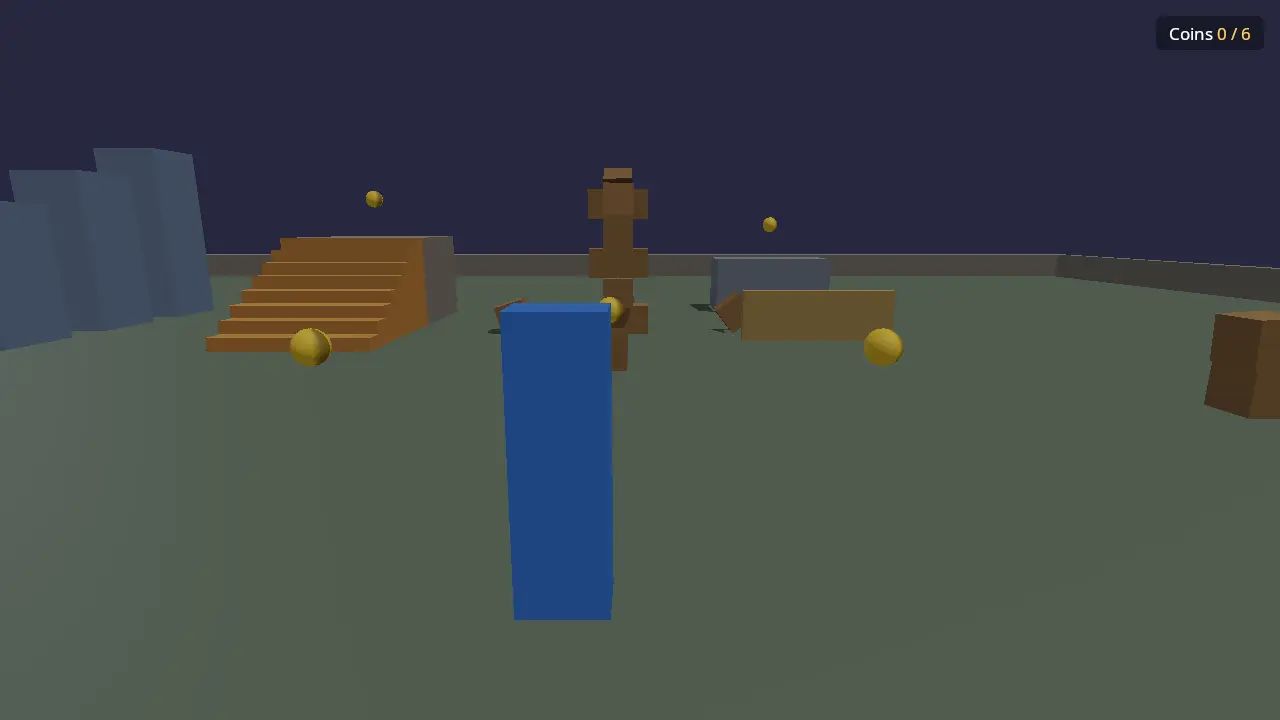
Lua 5.4 with Garry's Mod-style hooks and timers. Save a script and the running game reloads it in half a second, removing everything the old version made. Scripts are sandboxed, so marketplace content can't touch your files.
- hook.Add, timer.Create, Vec math, familiar to GMod and Roblox creators
- Physics, models, breakables, UI, scenes, audio, input and net from Lua
- Errors show file and line and never stop the game
- Endless loops and runaway memory are stopped per script
hook.Add("Think", "coins", function()
  local middle = player.position() + Vec(0, 0.9, 0)
  for id, pos in pairs(coins) do
    if (pos - middle):length() < 0.9 then collect(id) end
  end
end)
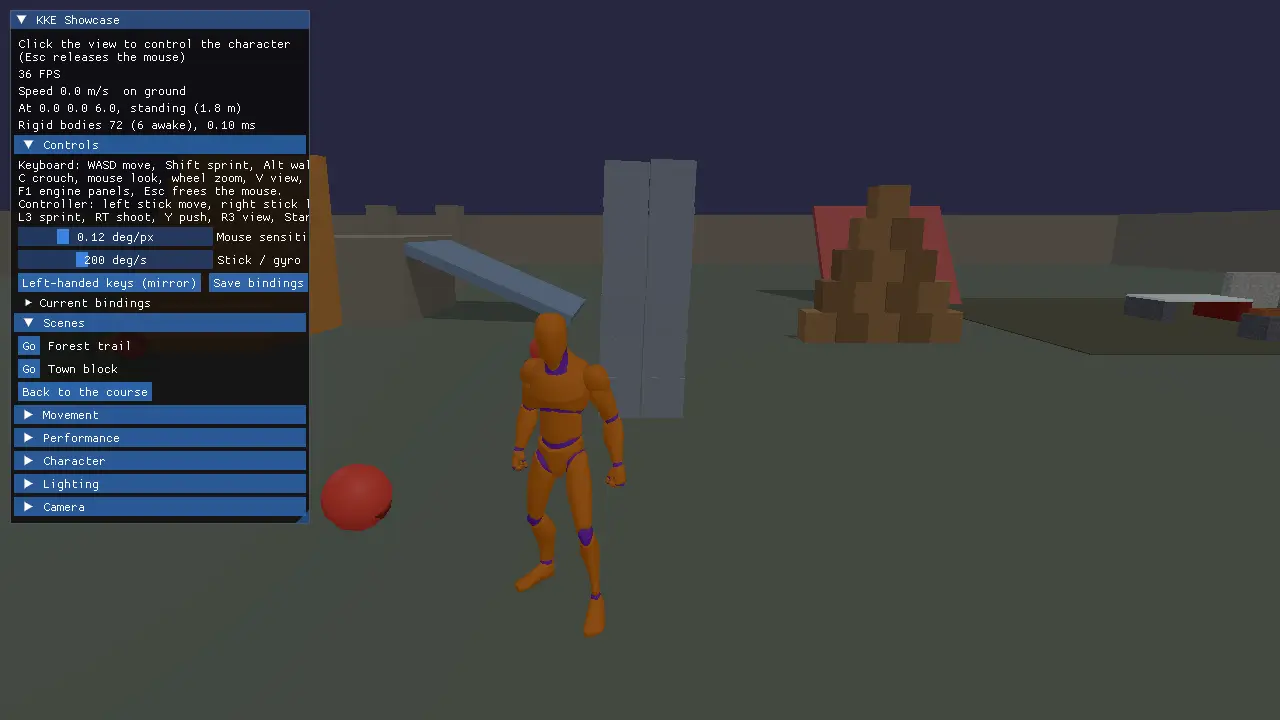
Parkour-grade movement
Press jump. The world decides what that means.
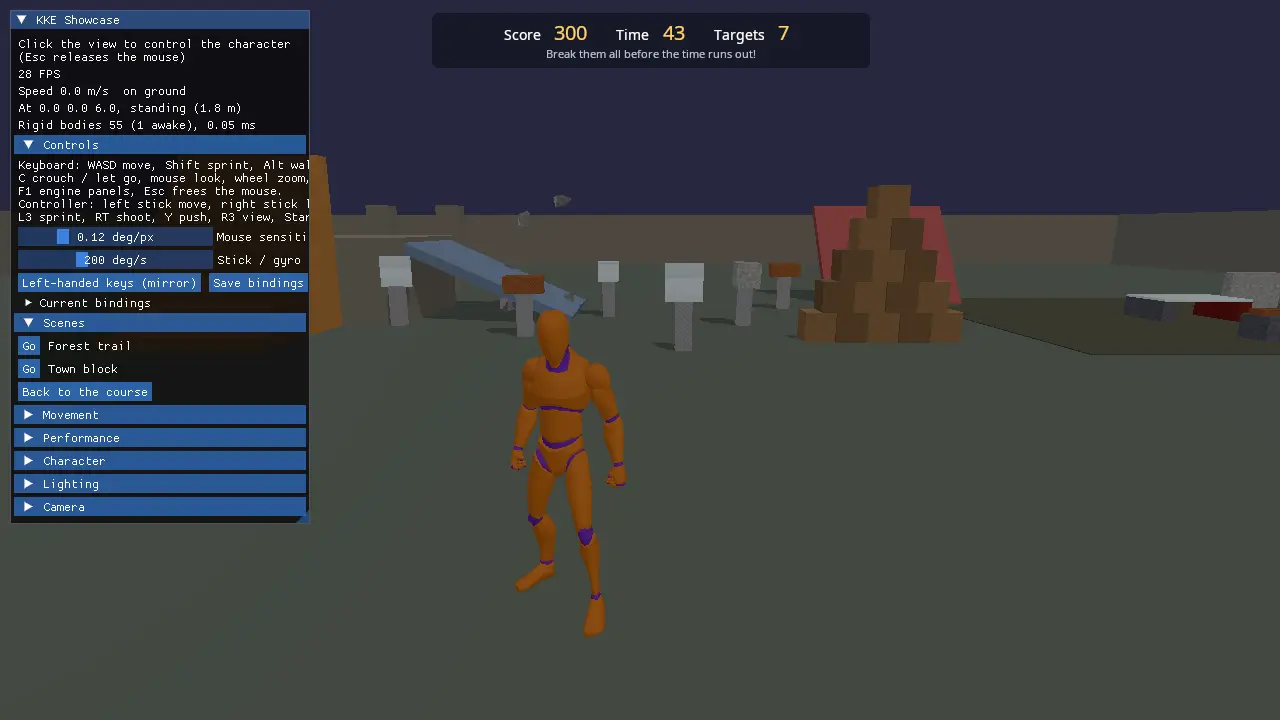
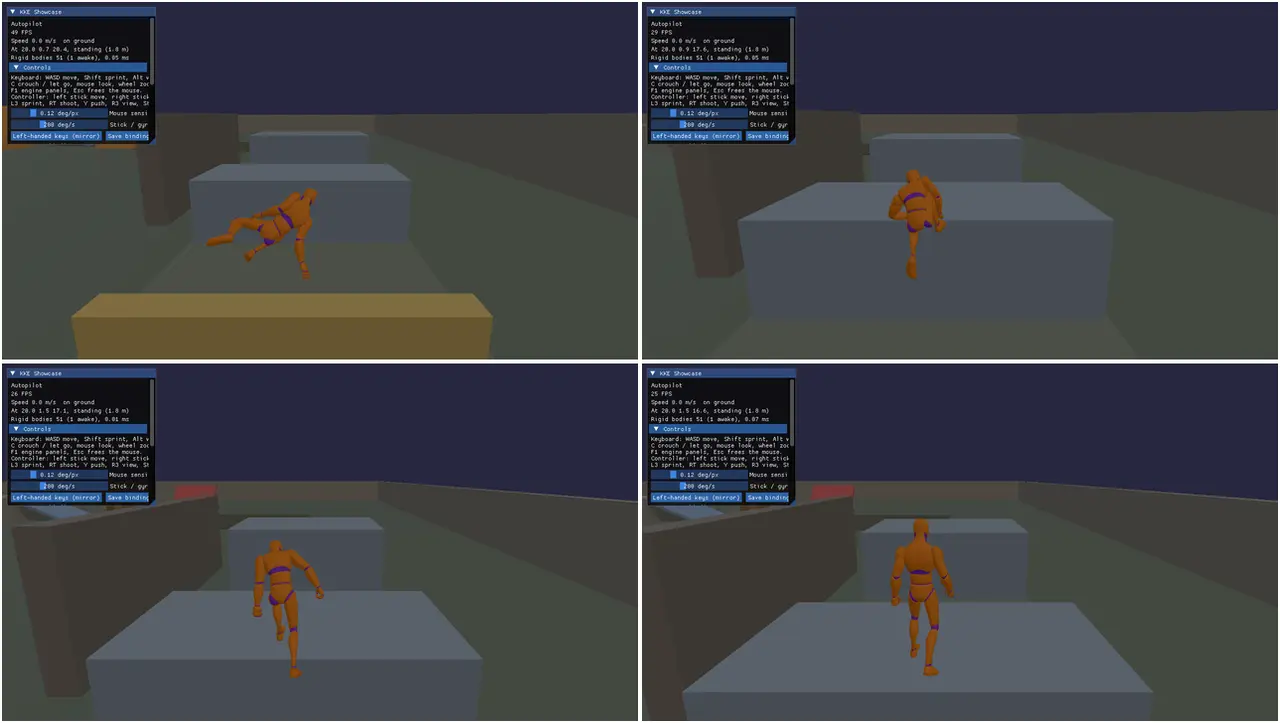
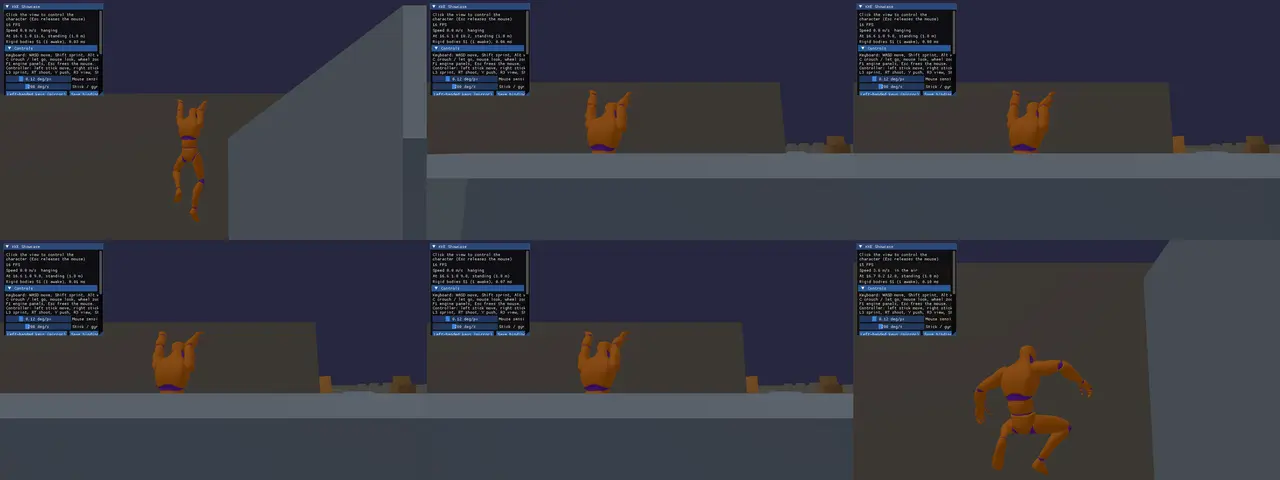
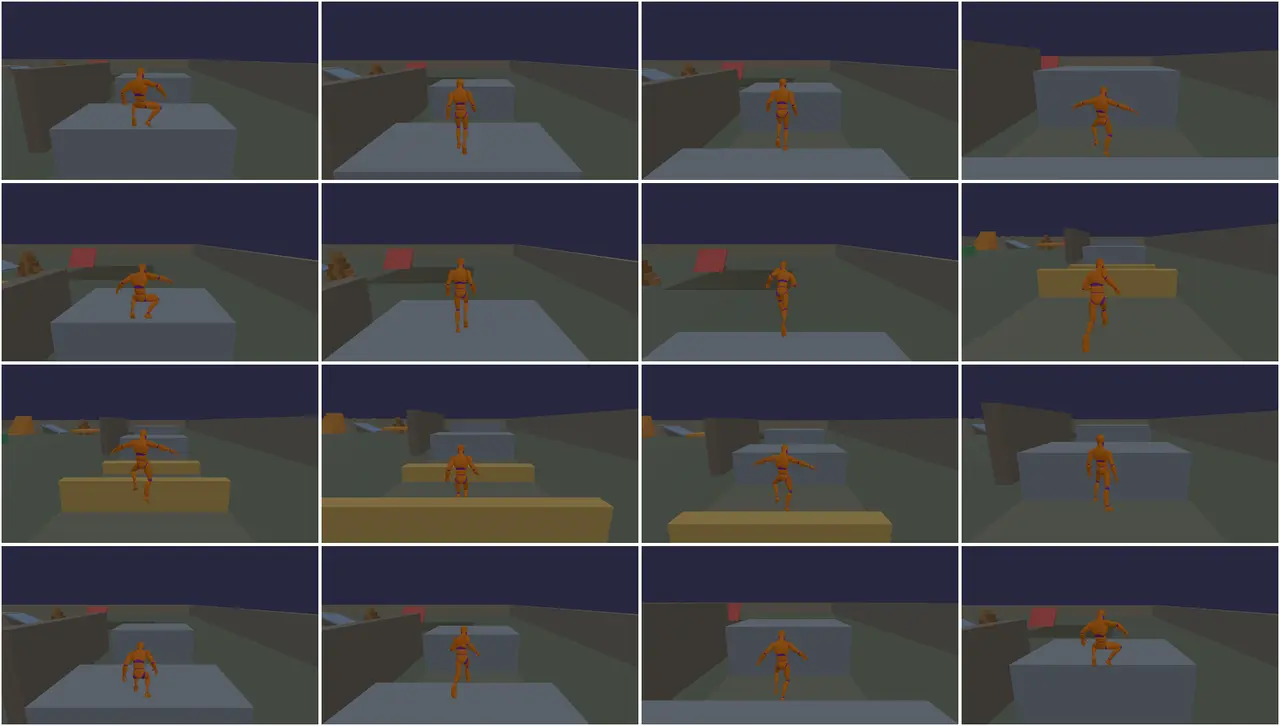
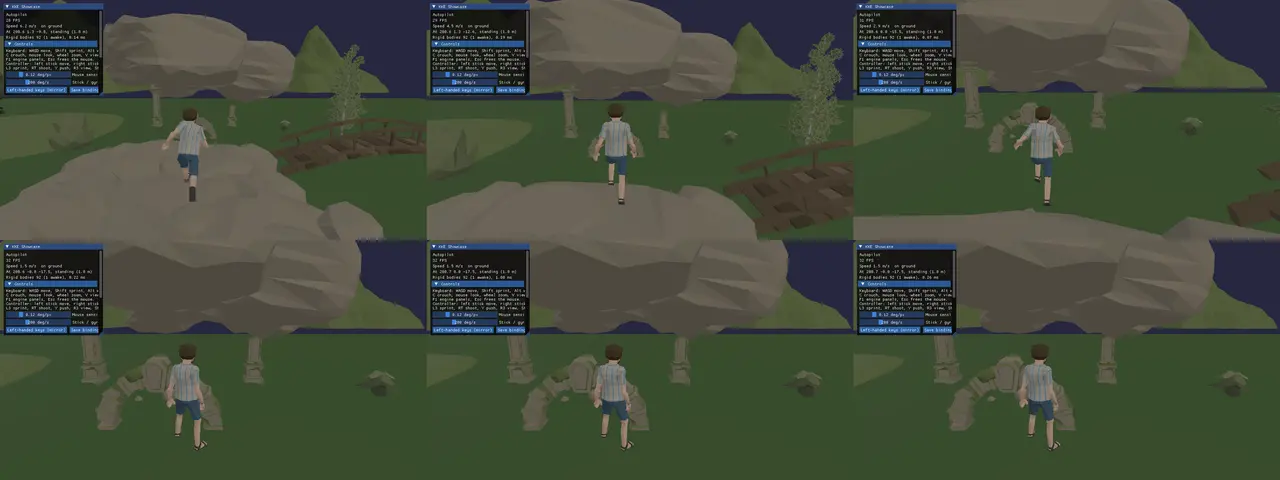
Built on PointDown's movement principles: the same "go up" is a jump in the open, a vault over a fence and a climb onto a ledge. Nothing in the level is marked up; the character reads the geometry.
- Vault, climb, ledge hang, shimmy, corners and jumping off walls
- Speed and direction handled separately, no instant 180s
- Three floor tiers, so kerbs don't trigger a fall animation
- Animation blending, foot and hand IK, ragdolls
Things really break
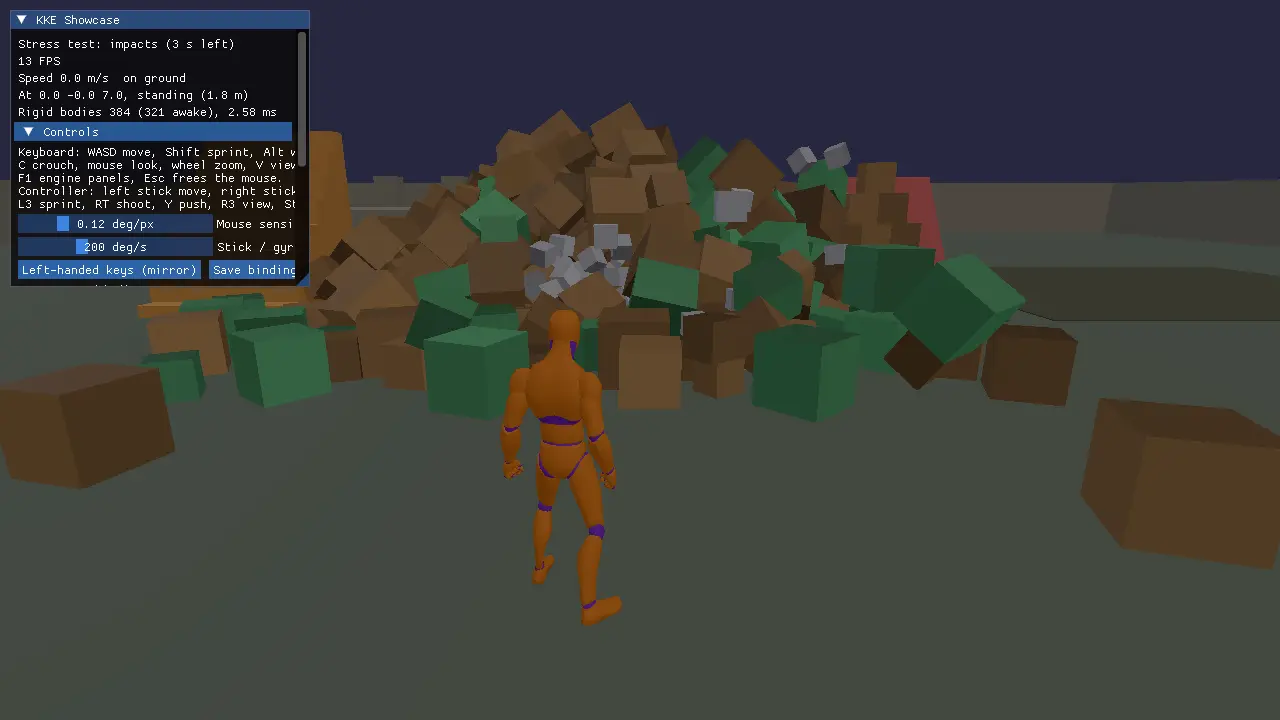
Glass shatters, wood splinters, stone crumbles.
AMD FEMFX deformable bodies bend, dent and fracture by material, with Voronoi, shard, splinter and radial patterns. Jolt handles thousands of rigid bodies, and the two meet so shards knock crates about.
- map[Plasticity:metal dents and stays dented]
- Fracture patterns per material, pieces that keep their interior colour
- Jolt rigid bodies, world collision and a character controller
- A bridge between deformable pieces and rigid bodies
Jiggle physics
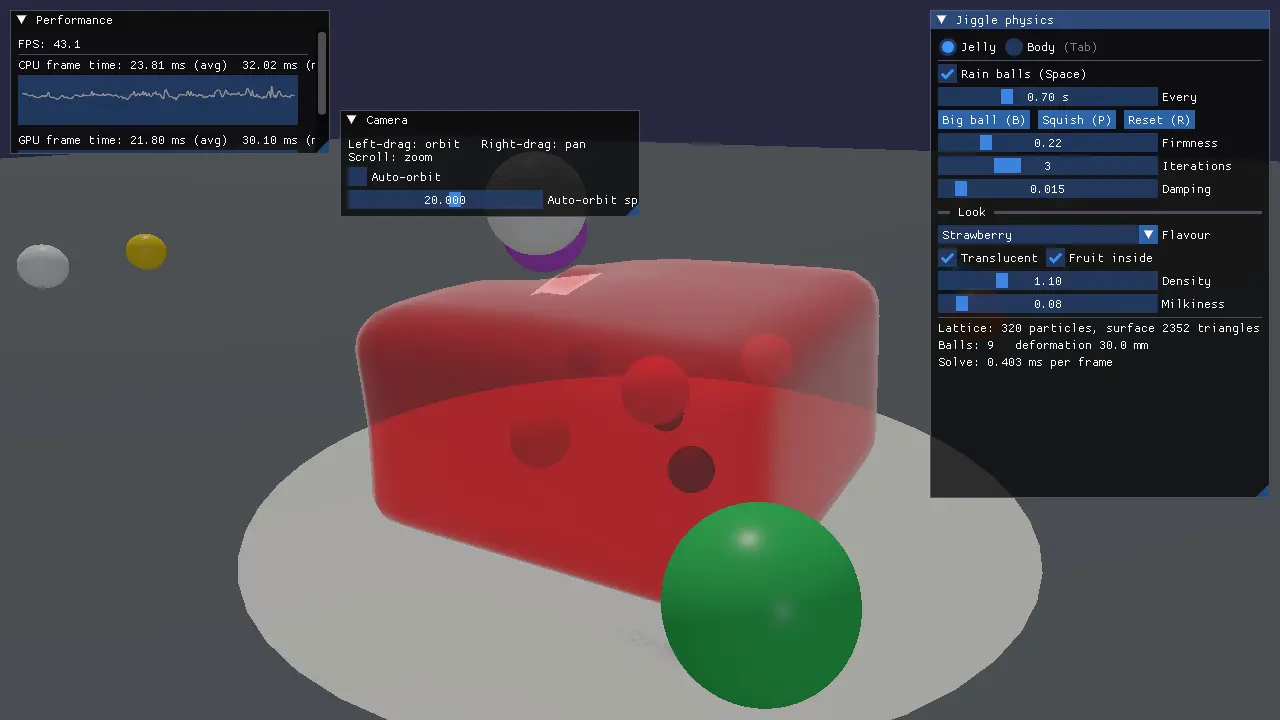
Jelly that wobbles. Characters that bounce.
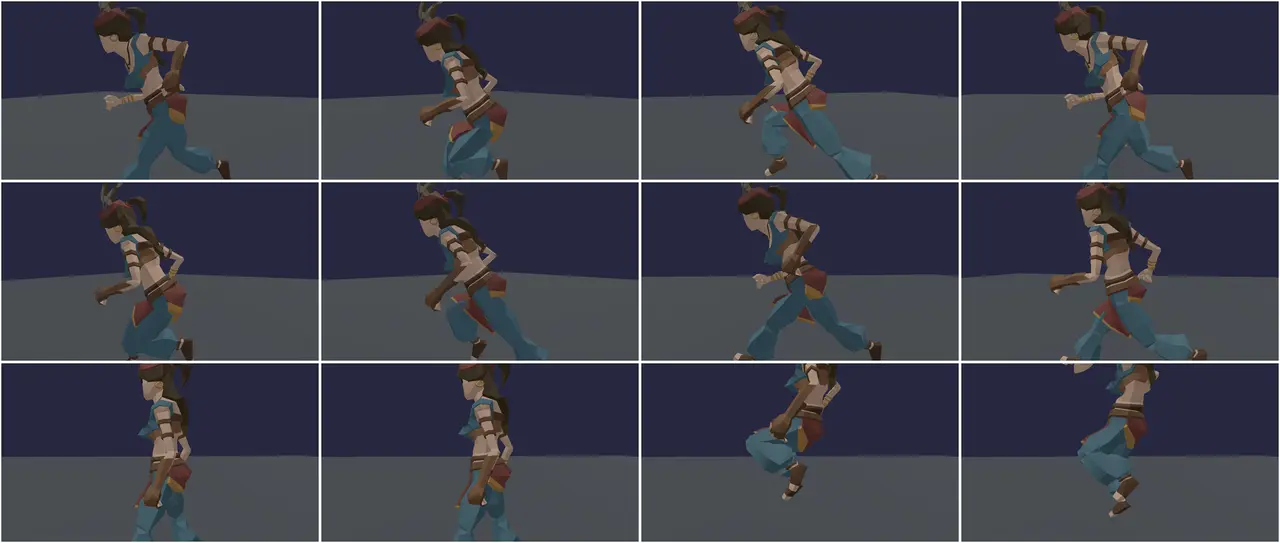
Soft bodies from lattice shape matching, drawn translucent with light scattering inside, and soft-tissue bones on characters that follow their motion.
- Jelly with flavours, fruit inside and dents that recover
- Translucent rendering with Fresnel and subsurface light
- Soft-tissue bones on animated characters
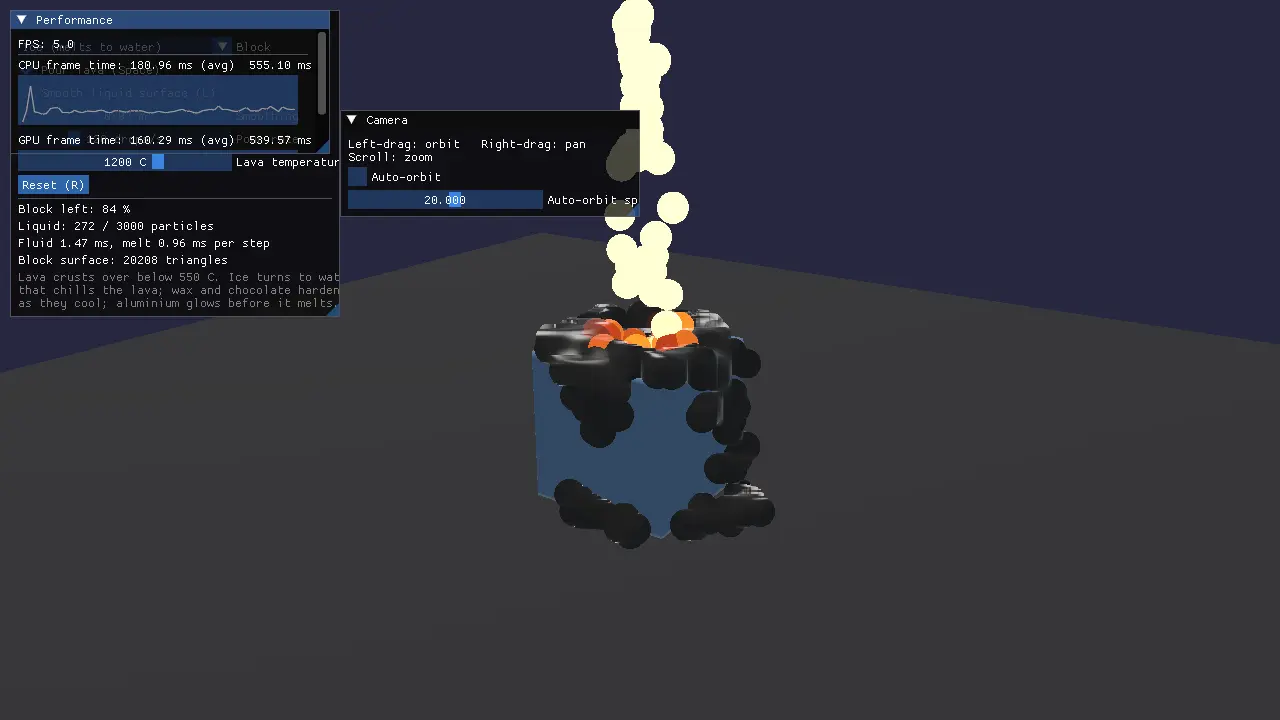
Liquids, melting and oceans
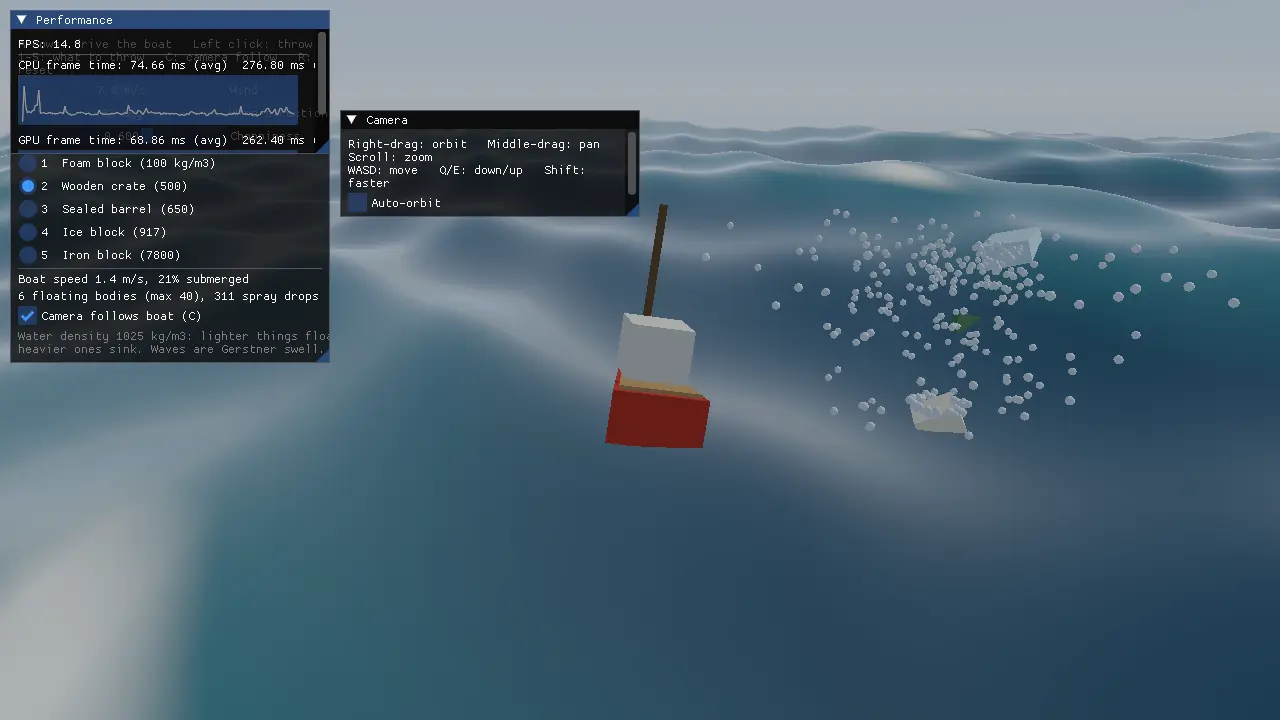
Pour lava on ice. Drive a boat through the swell.
Particle liquids with temperature melt voxel solids (ice, wax, chocolate, aluminium). A Gerstner ocean floats whatever you throw in by its density.
- Position-based fluids with heat transfer
- Meltable solids that turn into liquid
- Gerstner waves, buoyancy at sample points, foam and spray
Vulkan from the ground up
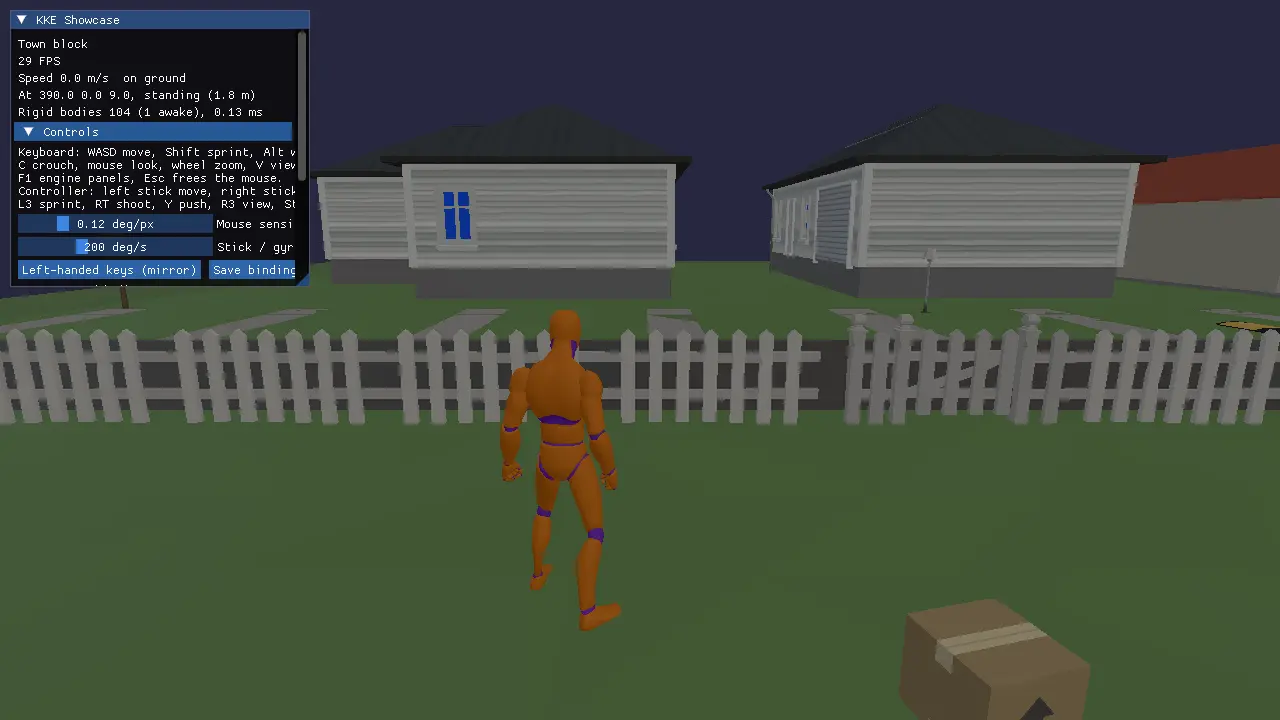
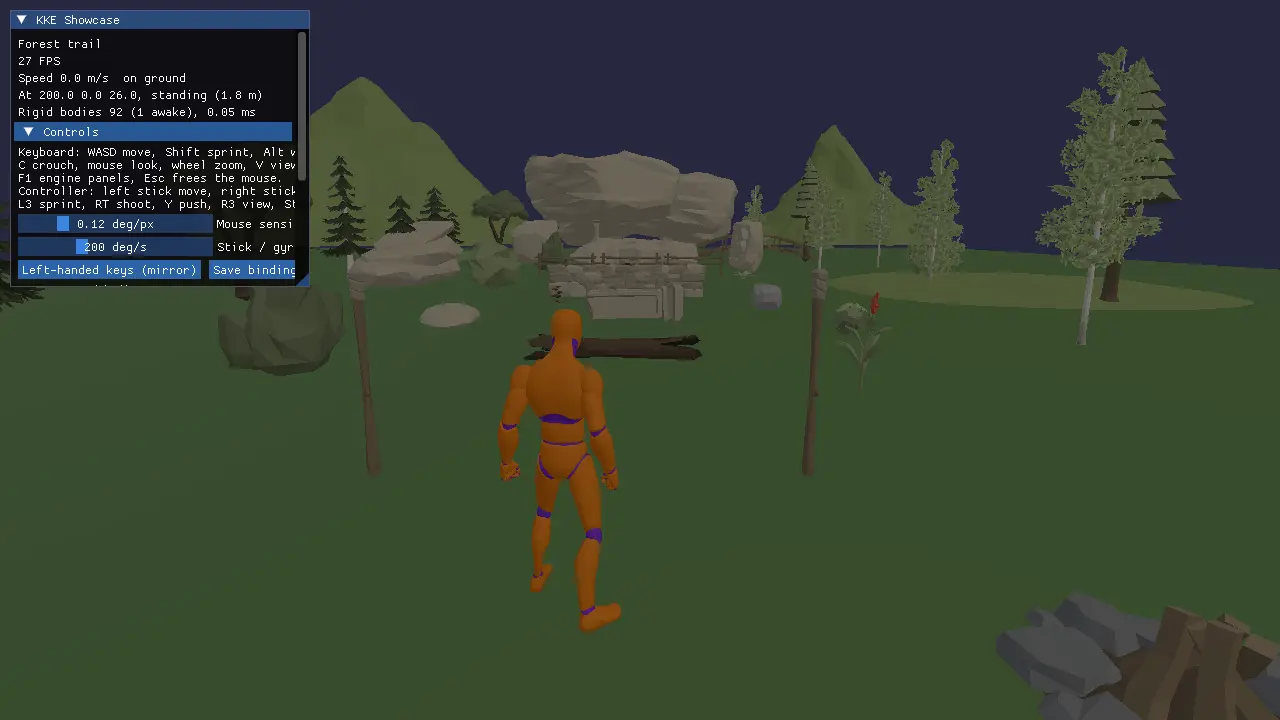
Close to the hardware, fine on a laptop.
Vulkan with volk and VMA, physically based materials, soft shadow maps, GPU particles and instancing, with frustum culling and mip maps. It even runs on a software renderer when there's no GPU.
- PBR (Cook-Torrance), up to four lights, soft shadows
- GPU compute particles, instanced models, frustum culling
- FBX and OBJ import, skinning, asset packs loaded as they are
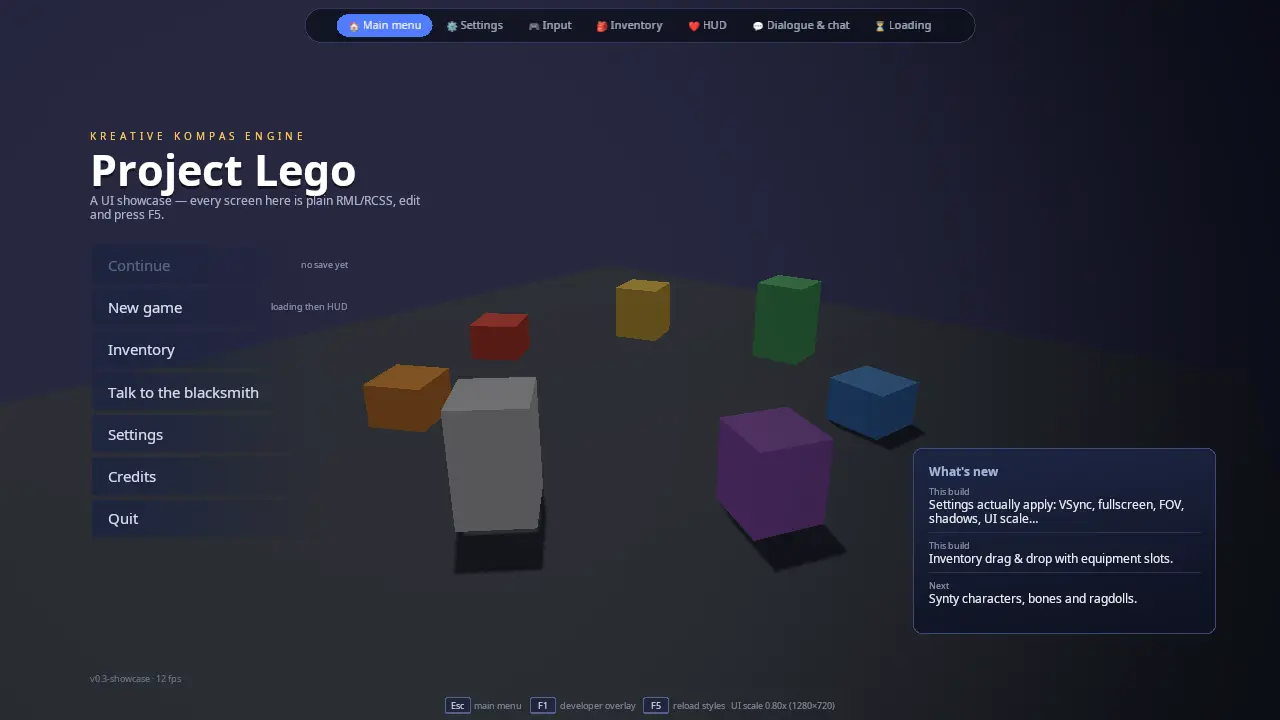
Game UI in HTML and CSS
Menus you can style like a web page.
RmlUi on a custom Vulkan backend for game UI (menus, settings, inventory, HUD, dialogue) and Dear ImGui for developer panels. Player settings, rebinding and colour emoji included.
- RmlUi documents, from C++ or from Lua (ui.open, ui.text, ui.onClick)
- Settings, inventory drag and drop, HUD and dialogue screens
- ImGui panels for every engine system (F1)
Sound you can see
Every impact synthesized. Every sound shown.
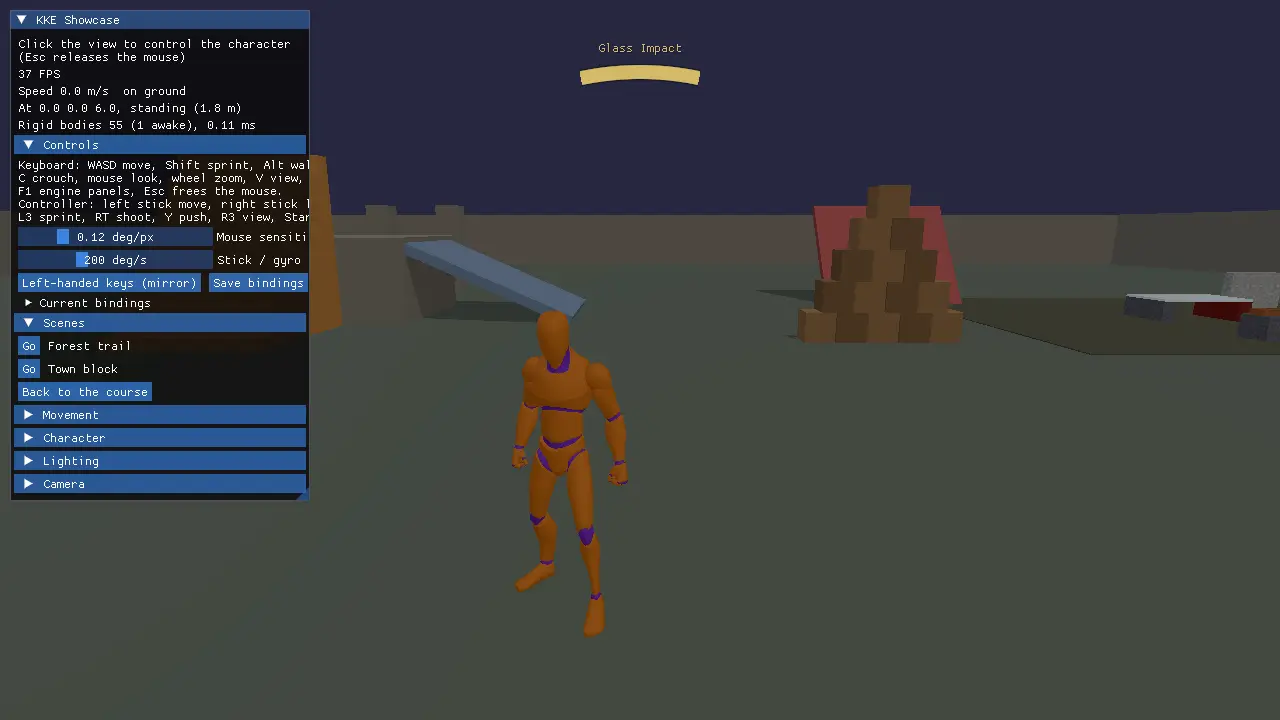
Impacts are synthesized from the materials that met and how hard, then placed in 3D and muffled behind walls. A sound visualizer shows where sounds come from, for deaf and hard-of-hearing players.
- Own mixer on miniaudio, 3D sound, occlusion, room acoustics
- Impact synthesis per material, no sample library needed
- A sound visualizer and a "ping" that lets you hear the walls
Any controller, any player
Rebind everything. Play four on one screen.
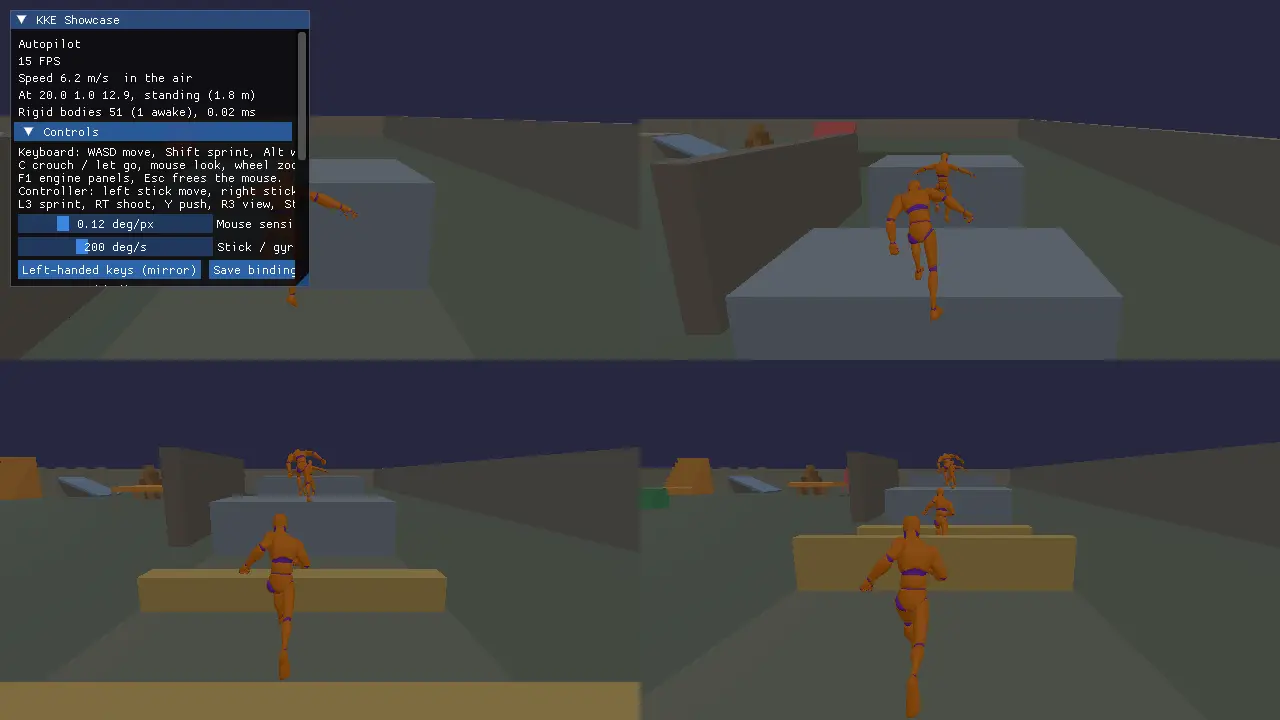
Rebindable actions for keyboard, mouse, gamepads (paddles, gyro), HOTAS and twin sticks, with hold, tap, double-tap, toggle and chords, and split screen for up to four players.
- Actions, not keys; a left-handed preset in one call
- Hold, tap, double-tap, toggle triggers and chords
- Split screen for four players, each with their own controller
Play together
Host, join, find games on your network.
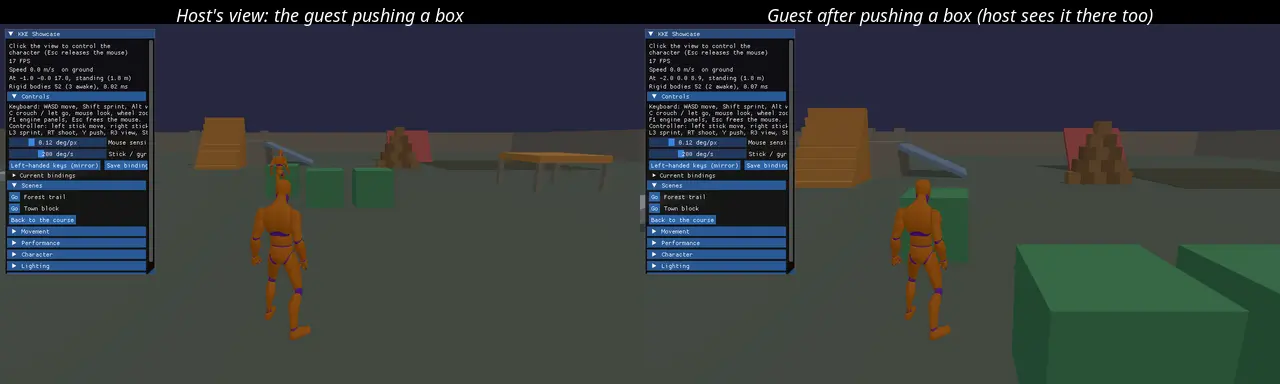
Host and join over ENet with LAN discovery. The host's physics is the truth; players are replicated with a compact bit-packed protocol, and you can test lag, jitter and packet loss on your own machine.
- Host/join, LAN discovery, server-authoritative physics
- Bit-packed state, events and corrections
- Lag, jitter and loss simulation built in
A sandbox for your asset packs
Browse, place, break, save.
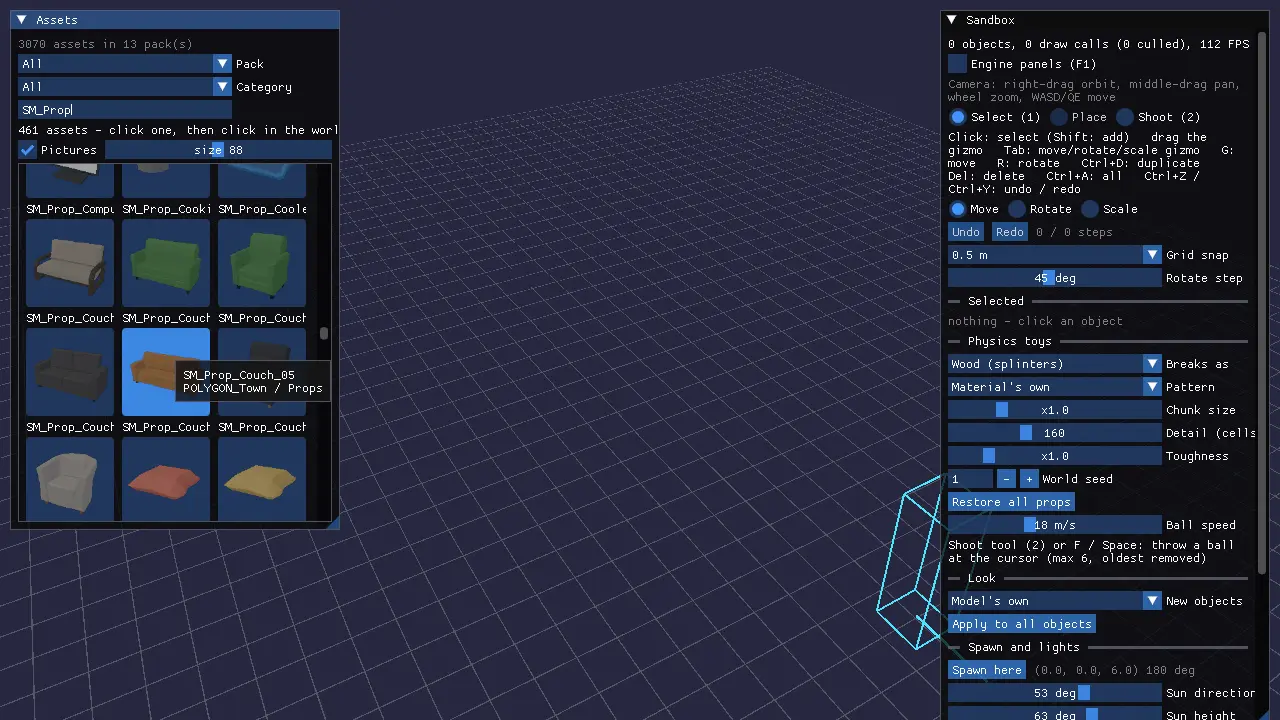
Point the sandbox at your asset packs: browse every model with thumbnails, build a level on a grid, make props breakable, throw things at them, and save the level.
- Asset catalog for Synty-style packs (never shipped with the engine)
- Grid placement, move, rotate, duplicate, delete
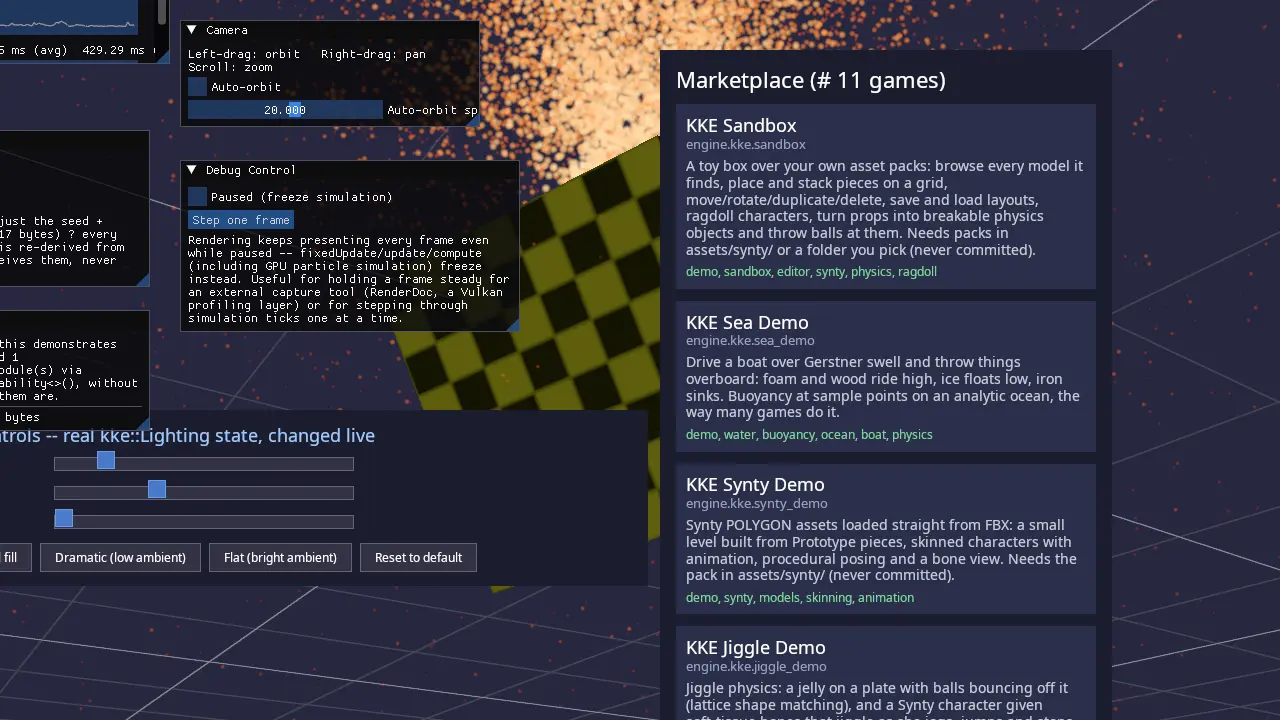
- Level save and load, a marketplace index of games